

What FStorm Render is
FStorm Render is a highly optimized GPU based renderer, developed by PinkSoft LTD since 2015. Users choose FStorm Render for its photorealism, speed, reliability, and ease of use.
FStorm Render employs unique, proprietary solutions that give rendered images a distinctive look highly valued by CG community.
Fast and clean result
FStorm Render accurately identifies areas with high noise level and redistributes samples to achieve the cleanest possible result in the shortest amount of time. DOF, shadows, SSS, and other challenging areas are cleaned up at a speed unreachable by other renderers.
FStorm native shaders use in-house mathematical models of sampling reducing noise level in any complex conditions. The engine easily handles thousands of light sources scattered over a scene.

Efficient memory usage
FStorm Render is capable of rendering hundreds of millions of unique polygons and tens of millions instances without involving out of core technology keeping high rendering speed even on massive scenes.
Build-in texture compression saves up to 4x memory, keeping high speed and image quality.

Many useful and simple things
Fur
FStorm Fur geometry takes small amount of video memory due to using special geometry primitives. It is quickly generated and rendered on GPU side.

Geopattern
FStorm GeoPattern covers a surface with unlimited 3D geometry the same way as 2D textures. It supports tiling and random variations.

Scatter
FStorm Scatter generates many millions of instances on GPU in a matter of seconds and populates a scene with unlimited amount of environment details.

Flexible materials
FStorm materials are easy to setup. All parameters are intuitively clear and yield a predictable result. Advanced mathematical models produce unique materials look and offer high rendering performance. Creating visually complex materials does not require complex structures.
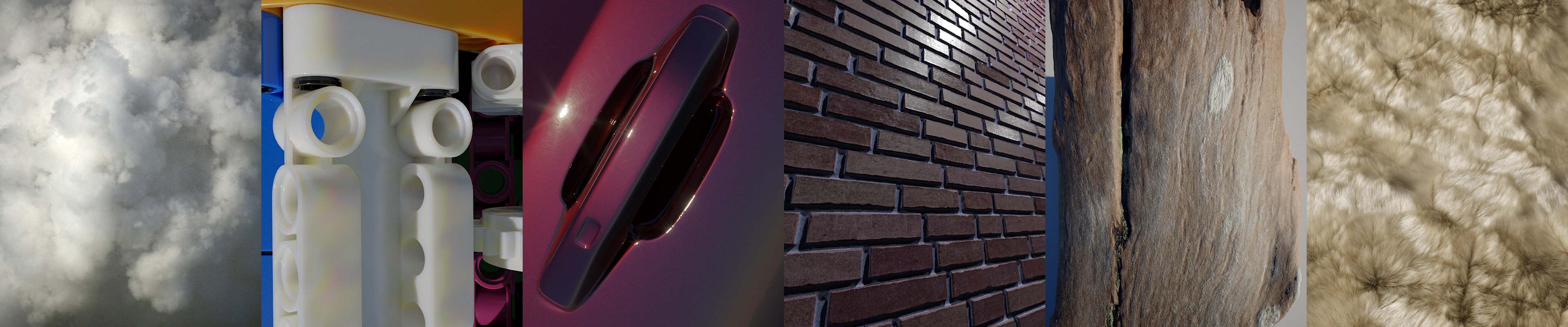
Since the render engine appeared, users have created countless beautiful work in a variety of fields, such as architectural design, nature, industrial & product design and many others





FStorm news
FStorm Render 2.0 has been released!
What's new:
Intel Open Image Denoiser
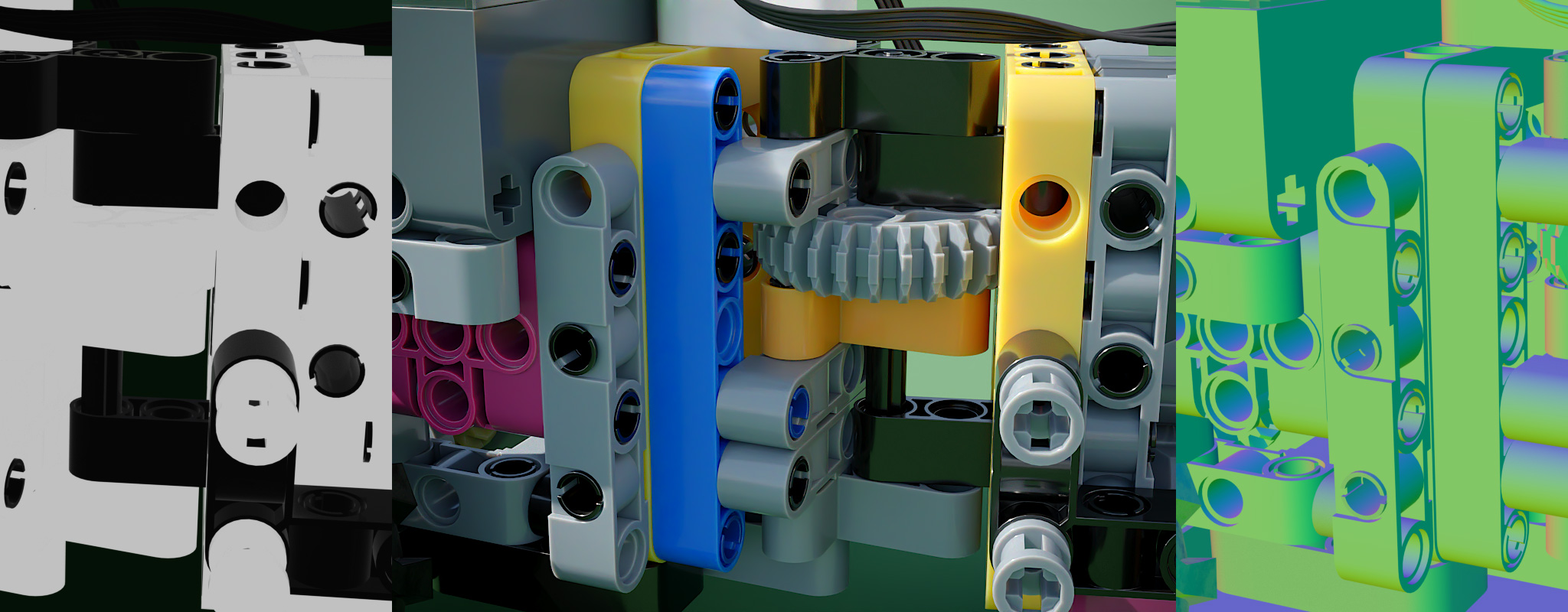
Intel Open Image Denoise combined with FStorm Render delivers outstanding, noise-free quality, starting from the very first samples. This is made possible by special auxiliary normal and albedo layers, which FStorm Render generates with incredible speed and high quality, preserving details even within reflections and refractions.
PBR compatible material
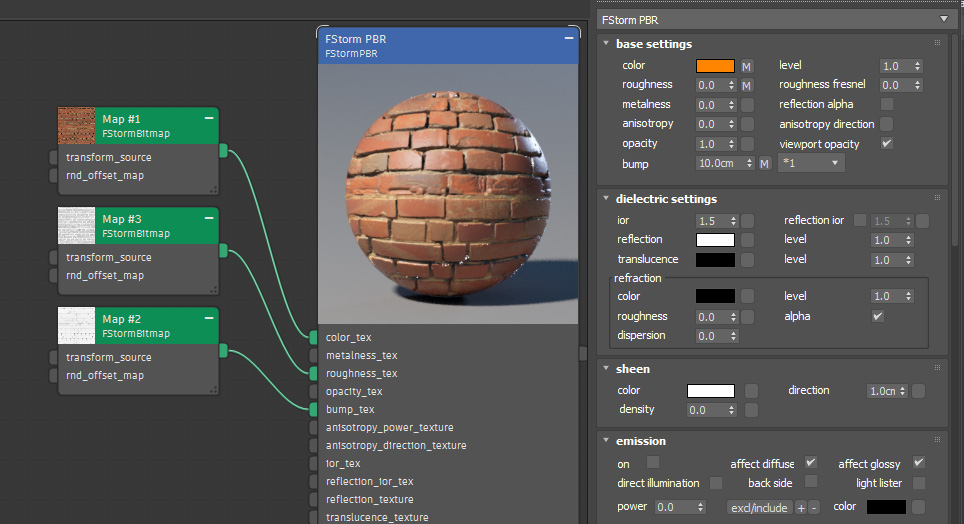
All necessary channels are supported, such as diffuse, translucency, refraction, metallic, roughness, sheen, and others. There are also FStorm native features, such as rounded edges and parallax bump. The FStorm PBR material is based on FStorm’s unique shading system, which delivers a distinctive look.
Material Sheen layer
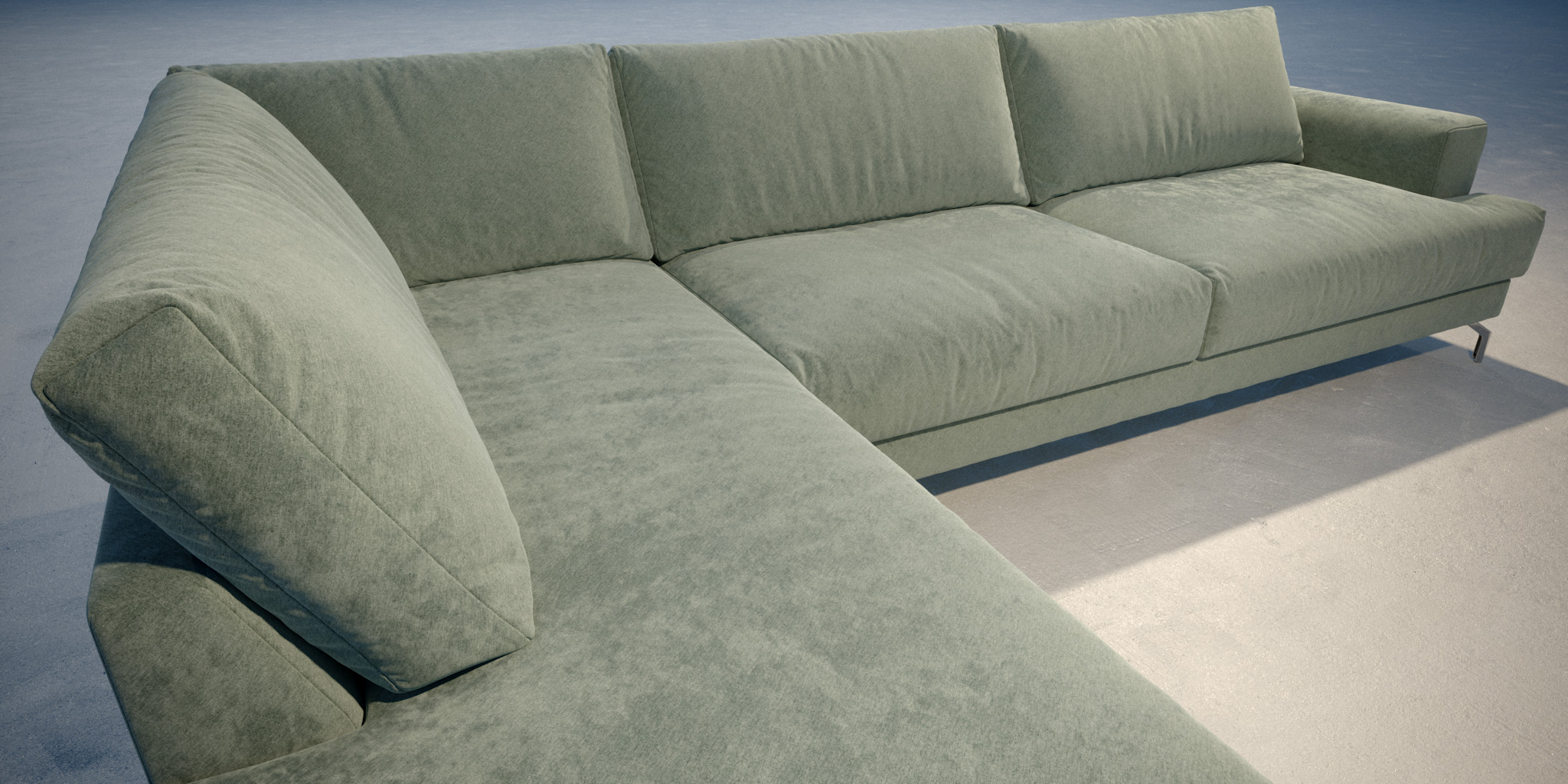
Sheen layer with combination with diffuse velvet is ideal solution for different kinds of fabric materials. It gives natural soft look with with a short-pile effect. The Sheen layer features a built-in falloff effect, with the option to control its direction via a texture. This mechanism also influences the scattering of incident light, accurately replicating the behavior of tiny hairs on the surface.
FStorm Instancer
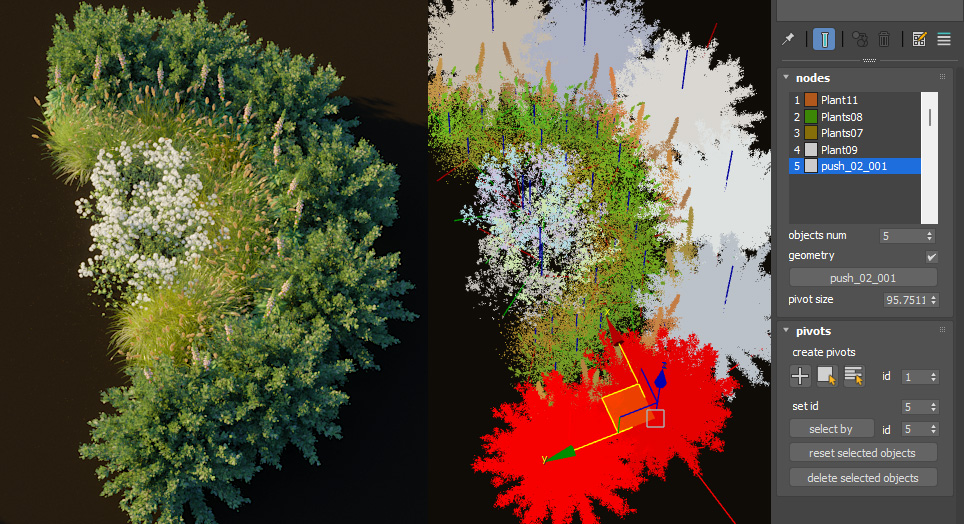
This tool allows for the manual duplication of objects with precise positioning, in virtually unlimited quantities. Using FStorm Instancer keeps file sizes small. A specialized point-based preview displays the geometry in full detail without slowing down the viewport. The tool allows for the automatic replication of geometry across reference objects.
Chromatic Aberration
An easy way to add details and imperfections to an image.

Many other small but useful features
Displacement in materials. Displacement can now be used directly within a material, without the need to assign a modifier.
Faster texture compression. Compression allows textures to be compressed in size by up to 4x. This process is now even faster, so users don’t have to wait as long for rendering to begin.
Material and Object pickers. You can select objects and materials directly within the render window, without needing to search for them in the scene. Combined with the optical zoom feature, no design detail will remain hidden from your view.
3ds max 2027 support.